Everything Velosyss Can Do | Complete GPS Tracking Platform Guide 2026
By Velosyss Team · 18 May 2026
If you are evaluating a GPS tracking platform — or already using one and wondering what else it can do — this guide covers every capability the Velosyss platform offers, who each feature is for, and what problem it solves.
1. Real-Time Live Tracking
The first thing every Velosyss customer sets up — and the most-used feature every day.
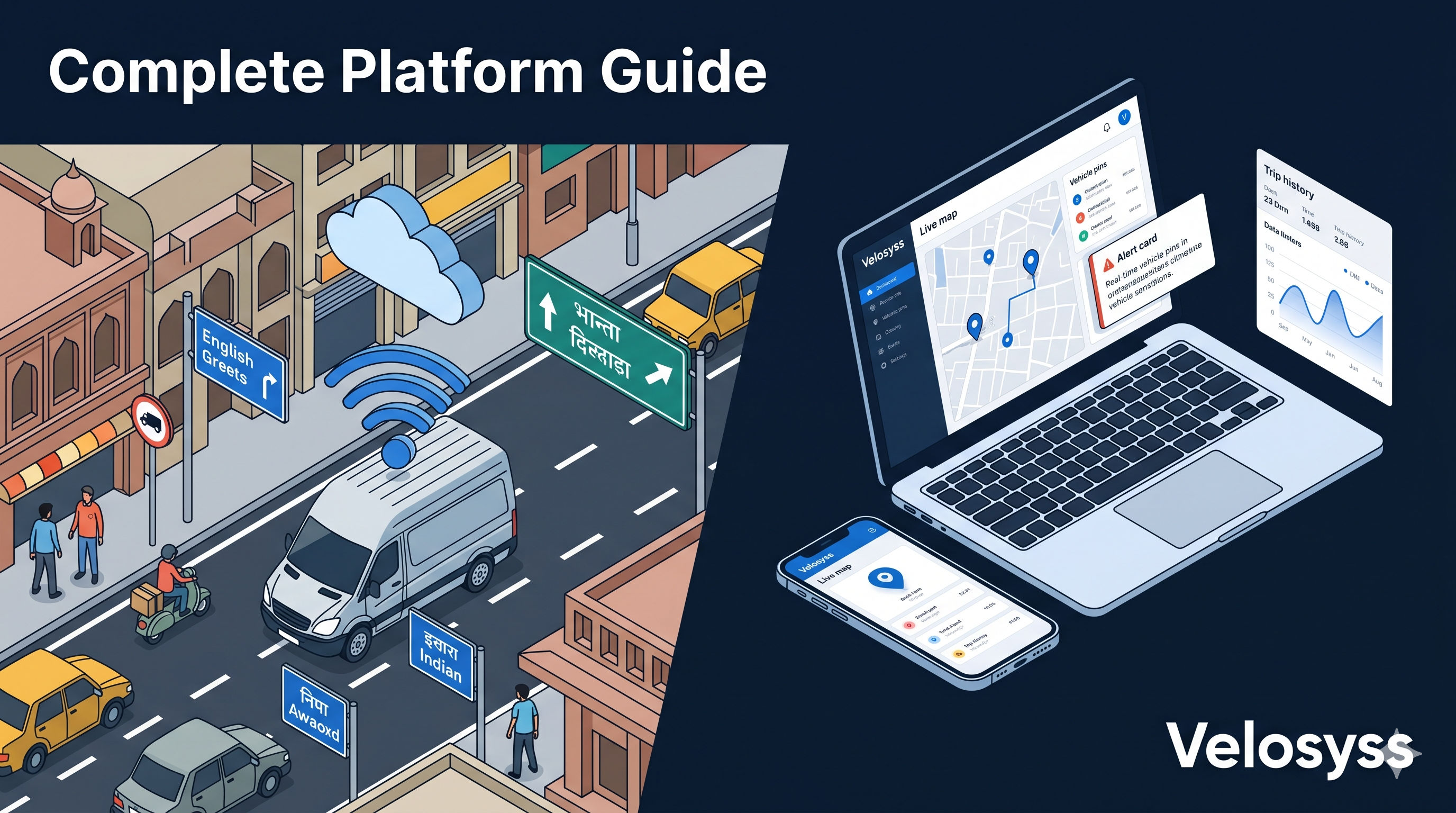
Every GPS device transmits its location continuously. The Velosyss platform receives each position update and pushes it to the live map using Server-Sent Events — a persistent push channel, not a polling mechanism. The map updates within seconds of a new GPS reading, without manual refresh.
What you see on the live map:
- All vehicles as pins on a single map — no switching between devices
- Green pins for vehicles in motion, grey for parked or idle
- A directional arrow on moving vehicles showing heading
- Speed displayed on each active pin
- Online / offline status per device — if a tracker goes silent, it is flagged immediately
Who uses it: Everyone — from a single car owner checking where their vehicle is parked, to a fleet coordinator monitoring 50 delivery vans simultaneously.
2. Mobile App — Full Platform on Your Phone
Velosyss is not a web-only product. The complete platform is available as a native mobile application for Android and iOS.
Most low-cost GPS tracking platforms offer a mobile website or a stripped-down companion app. Velosyss delivers complete feature parity on mobile — every capability available on the web portal is also available from your phone.
What the mobile app includes:
- Full-screen live map with all vehicle pins
- Tap any pin to open vehicle detail and navigate to it via Google Maps
- Device list showing online status, last seen time, and current speed
- Instant push notifications for every alert type
- Trip history and animated route playback
- Alert preferences, account settings, subscription management
- Offline-tolerant — the app handles poor connectivity gracefully without crashing or going blank
Who uses it: Fleet coordinators monitoring routes while on the move, business owners who want visibility without sitting at a desk, delivery dispatchers who need a portable control room.
3. Geofence Zones
A geofence is a virtual boundary you draw on the map. Every time a vehicle enters or exits that boundary, the platform fires an alert.
Velosyss supports both circle and polygon geofence shapes. You can create zones for depots, customer sites, city limits, school campuses, or any area with operational significance.
What the alert includes: Vehicle name, zone name, direction (entered or exited), timestamp, and GPS coordinates.
Common use cases:
| Use Case | How Geofence Helps |
|---|---|
| Delivery | Know the moment a driver arrives at or departs from a customer site — without calling |
| School transport | Alert coordinators when the bus enters the school campus |
| Depot security | Alert if any vehicle leaves the yard after 8 PM |
| Fleet compliance | Ensure drivers stay within their authorized operating zone |
| Rental | Alert if a rented vehicle exits a permitted travel area |
4. Smart Alerts — 7 Types, 3 Delivery Channels
Alerts are where Velosyss moves from passive tracking to active monitoring. Instead of checking the map repeatedly, you define what matters — and the platform tells you when it happens.
Overspeed — Fires when a vehicle exceeds your configured threshold. The alert includes the exact speed, location, and timestamp.
Ignition On / Ignition Off — Fires every time the engine starts or stops. Confirms driver shifts, detects after-hours use, and provides evidence of departure and arrival times.
Geofence Entry / Exit — Entry and exit are separate configurable alerts.
Device Offline — Fires when a device stops sending GPS updates for more than one hour. A tracker that goes silent is not the same as a parked vehicle.
Power Cut — Fires immediately when the GPS device's power supply is disconnected. A power cut at night from a vehicle at your depot is a serious tamper warning.
Low Battery — Fires when the vehicle's battery voltage drops below a safe threshold. Flags failing batteries before they fail on a route.
SOS / Panic Button — A manual alert triggered by the driver pressing the physical panic button on the GPS hardware. Highest-priority alert in the inbox — should always be responded to immediately.
Delivery: All alerts arrive simultaneously via push notification (mobile), email, and in-app inbox. You control which alerts you receive, for which vehicles, and at what frequency.
5. Automatic Trip Recording and Route Playback
Every drive your vehicle makes is automatically captured as a trip — no manual logging, no driver input required.
What is recorded per trip:
- Start time and start location
- End time and end location
- Total distance and trip duration
- Full GPS breadcrumb trail — every position point along the route
Filter trips by device and date range, and replay any trip as an animated route.
Why this matters:
- Delivery proof — If a customer disputes a visit, pull up the trip and show the timestamped route
- Mileage verification — Cross-check driver mileage claims against automatic distance logs
- Driver behavior review — Identify unauthorized stops, inefficient routes, and patterns that increase fuel costs
- Incident investigation — The trip record is your evidence trail when an accident or complaint occurs
History retention depends on your plan: 3 days on Silver, 30 days on Gold, unlimited on Platinum.
6. Fleet Reports and Analytics
Velosyss generates structured reports that aggregate your fleet's activity across any time range.
The 7 available report types:
| Report | What It Shows |
|---|---|
| Trip Report | All trips per device — start/end, distance, duration, max speed |
| Mileage Report | Daily, weekly, or monthly distance totals per vehicle |
| Speeding Events Report | Every overspeed event — timestamp, location, recorded speed |
| Idle Time Report | Duration each vehicle was stationary with engine running |
| Stop Report | Where vehicles stopped and for how long |
| Geofence Breach Report | Entry/exit events per geofence zone, per vehicle |
| Engine Hours Report | Total ignition-on time per vehicle — useful for maintenance scheduling |
All reports are exportable to PDF and CSV.
7. Subscription Plans — Tiered for Every Need
Velosyss uses a per-vehicle subscription model. You choose a plan tier per device based on what features and data retention you need.
| Feature | Silver | Gold | Platinum |
|---|---|---|---|
| Live tracking | ✅ | ✅ | ✅ |
| Map refresh rate | 60 sec | 30 sec | 5 sec |
| GPS history retention | 3 days | 30 days | Unlimited |
| Geofence zones | — | Limited | Unlimited |
| Trip reports | — | ✅ | ✅ |
| Satellite map view | — | — | ✅ |
| Heatmap analysis | — | — | ✅ |
| Reporting and exports | — | ✅ | ✅ |
Who chooses what:
- Silver — Individual car or bike owners who want live location and basic theft monitoring
- Gold — Small fleet operators who need trip records, geofence alerts, and reports for business accountability
- Platinum — Mid-size fleets and enterprises needing high-frequency updates, unlimited history, and advanced analytics
Subscriptions are purchased inside the platform via UPI, credit/debit card, netbanking, or wallet — powered by Razorpay.
8. Self-Service Onboarding — Under 5 Minutes
Getting from unboxing to live tracking requires no technician, no support call, and no configuration expertise.
The steps:
- Install the device — plug into the OBD port (under 1 minute) or wire to power (15 minutes for hardwired)
- Register your account — web or mobile, under 2 minutes
- Claim your device — enter the 15-digit IMEI printed on the device
- Activate a plan — choose a tier and pay online
- Open the live map — your vehicle appears as an active pin
The device ships with a SIM card pre-installed and server pre-configured. No APN settings, no server address, no technical setup.
9. Reseller Partner Programme
Velosyss operates a structured channel partner programme. Any individual, distributor, or company that serves fleet customers can become a Velosyss reseller.
How it works:
- Apply and complete KYC verification to become a registered partner
- Access a dedicated reseller dashboard — view all your customers, their devices, and subscription status
- Each subscription your customer purchases generates a commission tracked in real time
- View commission balance and payout history from the dashboard
- No minimum sales quota
Who this is for: GPS device distributors, telecom retailers, fleet consultants, transport management companies, and vehicle fitment shops who already have customer relationships and want to add recurring revenue without building their own platform.
10. REST API for Enterprise Integrations
For technical buyers who want to integrate Velosyss data into their own systems, the platform exposes a fully-documented REST API accessible via API keys generated from the portal.
What you can access:
- Current live positions of all devices
- GPS breadcrumb history for any device and any date range
- Full alert and event log
- Trip summaries per device per day
- Device status and subscription information
How it works: Generate a named API key from your account. Use it as a Bearer token in standard HTTP requests. Consistent null-safe JSON responses — integrates cleanly with any programming language or BI tool.
Use cases: Custom fleet dashboards, TMS and ERP data sync, Power BI reporting on fleet activity, third-party apps that need live vehicle positions.
The Full Platform — One View
| Capability | Available On |
|---|---|
| Real-time live tracking | Web, Mobile |
| Native mobile app | Android, iOS |
| Geofence zones (circle + polygon) | Web, Mobile |
| Smart alerts — 7 types | Web, Mobile, Email |
| Trip history and playback | Web, Mobile |
| Fleet reports — 7 types + export | Web |
| Tiered subscription plans | Web, Mobile |
| Self-service onboarding | Web, Mobile |
| Reseller partner dashboard | Web |
| REST API access | All — via API key |
One Platform, Any Fleet Size
Velosyss is designed to scale in both directions. A single vehicle owner and an enterprise fleet manager use the same platform — the subscription tier adjusts the feature depth, not the experience quality.
There is no minimum fleet commitment. Start with one vehicle. Add more as your operation grows. There is no enterprise contract for small fleets and no configuration change required when you scale.
[Book a Velosyss platform demo →] or [Compare plans and pricing →]