How to Track Your Vehicle in Real-Time Using a GPS Tracker
By Velosyss Team · 30 April 2026
How to Track Your Vehicle in Real-Time Using a GPS Tracker
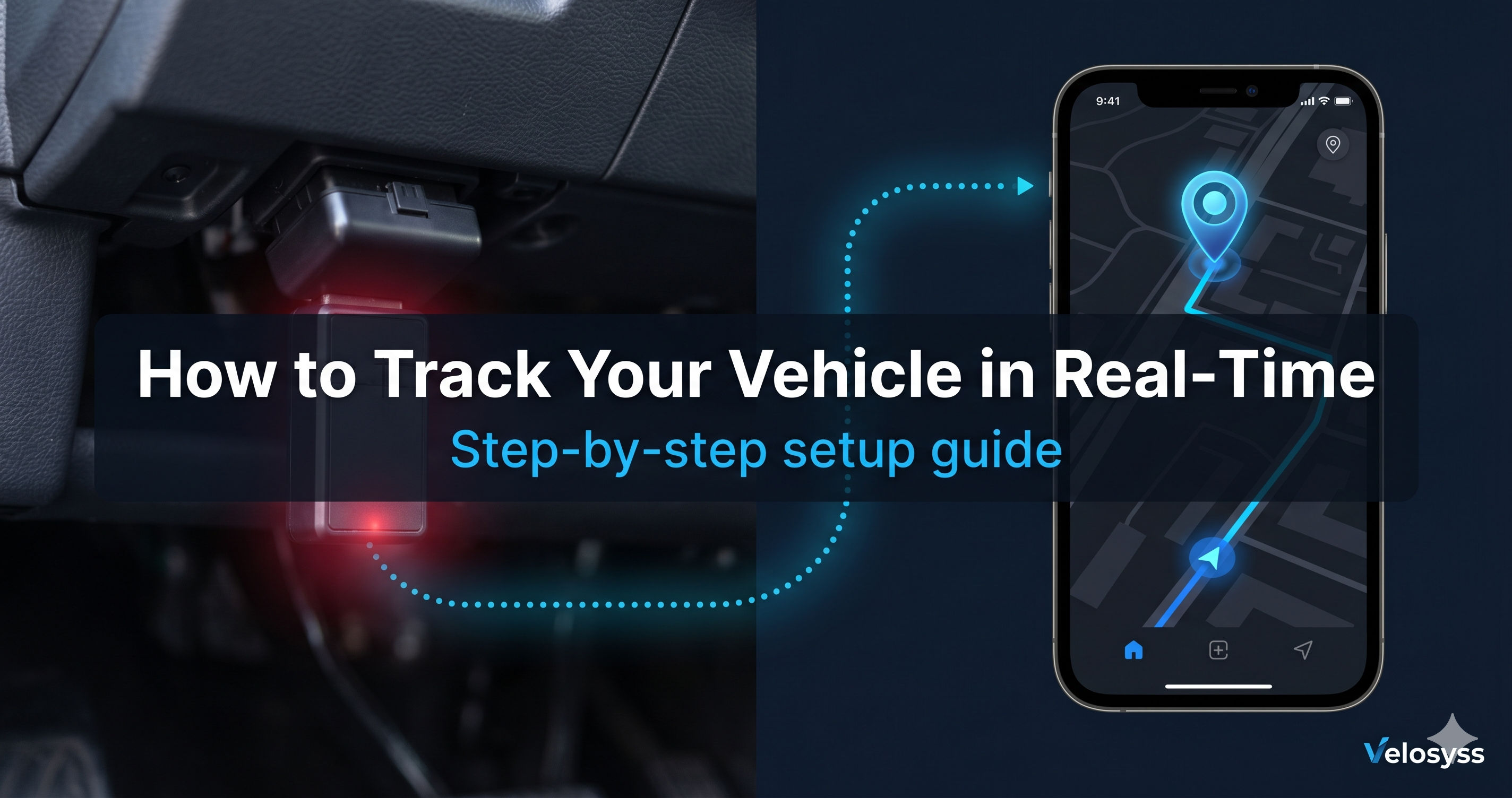
Real-time vehicle tracking in India has become accessible to everyone — not just large corporations with expensive fleet management software. Today, any car owner, bike owner, or small business operator can install a GPS tracker and see their vehicle moving on a live map within minutes.
But how does it actually work? How does a device in your car communicate its location to an app on your phone — and how does it do it in under 5 seconds?
This guide explains it all, step by step.
How Real-Time GPS Tracking Works — Plain English
The journey from your vehicle's location to the pin on your phone's map involves four steps:
Step 1: The GPS Tracker Receives a Satellite Signal
Every GPS tracker has a GPS chip inside it. This chip communicates with GPS satellites orbiting the Earth — the same satellites your phone's Google Maps uses. The chip calculates the device's exact coordinates (latitude and longitude) by receiving signals from multiple satellites simultaneously.
This calculation happens every few seconds, continuously — even when the vehicle is parked.
Step 2: The Tracker Sends the Location Over the Internet
The GPS tracker also has a SIM card inside it — just like a mobile phone. This SIM connects to the mobile data network (4G/GSM). Using this connection, the tracker sends the GPS coordinates to the Velosyss server every few seconds.
Think of it like this: the tracker is constantly sending tiny text messages to the server, saying "I am here: Lat 28.6139, Lng 77.2090, Speed 45 km/h, Heading North."
Step 3: The Server Receives and Processes the Location
The Velosyss server receives the GPS packet, verifies it (only registered, whitelisted devices are accepted), stores the coordinates in the database, checks for any alert conditions (overspeed? geofence breach?), and makes the position available to the live map.
This entire server process takes under one second.
Step 4: Your Map Updates Automatically
The Velosyss web and mobile app maintains a persistent connection to the server. The moment a new GPS position is processed, the server pushes it to your screen — no need for you to refresh the page or the app to poll repeatedly. This is why the map responds in real time.
The full round trip — from the tracker's GPS reading to the pin moving on your map — takes less than 5 seconds on the Velosyss platform.
What "Real-Time" Actually Means (And What It Doesn't)
Not all GPS tracking platforms are truly real-time. There are three common types:
| Type | How It Works | Update Speed | What This Means |
|---|---|---|---|
| Push-based (real-time) | Server pushes updates to app the moment they arrive | 2–5 seconds | Pin moves as the vehicle moves |
| Fast polling | App asks server for updates every 10–30 seconds | 10–30 seconds | Noticeable delay; pin jumps rather than flows |
| Slow polling | App asks server every 60+ seconds | 1+ minute | Barely useful for monitoring; fine only for parked status |
The Velosyss platform uses push-based updates. The map pin moves smoothly as the vehicle moves. You do not need to refresh anything.
Step-by-Step: How to Set Up Live Vehicle Tracking With Velosyss
Getting from zero to live tracking takes under 5 minutes. Here's exactly how:
Step 1 — Purchase a Velosyss GPS Device
Order the Velosyss GPS tracker online. [INTERNAL LINK: Product Page]
The device ships with the SIM already installed and the server already configured. You do not need to set up any SIM or server settings yourself.
Step 2 — Create Your Account
Go to velosyss.com or download the Velosyss app on Android or iOS. Register with your email address. Verify your email. It takes under 2 minutes.
Step 3 — Install the Device in Your Vehicle
OBD option (easiest): Locate the OBD-II port under the driver's side dashboard (present in almost all cars made after 2000). Plug in the Velosyss device. Done.
Hardwired option: Connect the device to the vehicle's power supply. Instructions are in the box.
Step 4 — Claim the Device
Log in to your account. Go to Devices → Add Device. Enter the 15-digit IMEI number printed on the back of the tracker. The device is now linked to your account.
Step 5 — Activate a Subscription Plan
Choose a subscription plan — Silver, Gold, or Platinum — based on the features you need. [INTERNAL LINK: Compare Plans]
Pay online via UPI, debit/credit card, netbanking, or wallet.
Step 6 — Track Your Vehicle Live
Go to the Dashboard or Live Map screen. Your vehicle appears as a pin on the map. It moves in real time as the car moves.
That's it. You are now tracking your vehicle live.
What You Can See in Real-Time
Once your tracker is active and your vehicle is moving, the Velosyss live map shows you:
- Exact position — GPS coordinates with address
- Speed — current speed in km/h
- Direction — a heading arrow showing which way the vehicle is moving
- Online/Offline status — green dot when active, grey when signal is lost
- Last seen time — when the tracker last reported (even when parked)
If you have multiple vehicles, all of them appear on the same map simultaneously.
What Happens When the Vehicle Is Parked?
When the ignition is off and the vehicle is stationary, the tracker continues to report its location periodically. The map shows:
- Last known GPS coordinates
- Timestamp of the last update
- "Parked" / offline status indicator
If the vehicle moves without the ignition being turned on (as happens during a tow or theft), the movement alert and ignition alert trigger immediately, and you receive a push notification.
Tracking on the Mobile App
The Velosyss mobile app gives you the full live tracking experience from your phone. [INTERNAL LINK: Mobile App]
- Open the app → tap the Map tab → see all vehicles live
- Tap any vehicle pin → see speed, last update, and coordinates
- Tap "Open in Google Maps" to get directions to the vehicle's current location
Push notifications are delivered even when the app is in the background or closed — so an overspeed or geofence alert wakes your phone screen immediately.
Frequently Asked Questions
Q: What is the minimum internet speed needed to use live tracking?
A: The Velosyss app is optimised for low-bandwidth connections. A 2G/3G connection is sufficient for the mobile app. The live map works smoothly even on a basic 4G connection.
Q: How accurate is the GPS position?
A: GPS trackers using modern chipsets are accurate to within 2–5 metres under open sky. Accuracy reduces slightly in urban canyons (tall buildings blocking satellite signals) but remains practically useful.
Q: Can I track multiple vehicles at the same time?
A: Yes. All vehicles registered to your account appear on the same live map simultaneously. The fleet view shows all pins, and you can filter by status (moving, idle, offline).
Q: Does the tracker work inside a multi-storey car park?
A: GPS signals weaker in enclosed structures. The tracker will report the last known position before entering the car park and update when it exits back into open sky.
Q: Can I share the live location with someone else?
A: Yes. You can invite a family member or colleague as a Viewer or Operator on your account. They can see the live map but cannot change account settings. [INTERNAL LINK: Team Management]
Start Tracking in 5 Minutes
Real-time vehicle tracking used to require expensive enterprise software and a fleet of 50+ vehicles to justify the cost. With Velosyss, a single vehicle owner pays only a small monthly subscription and gets the same real-time platform.
[Buy the Velosyss GPS Tracker →] [Product Page]
[Compare Subscription Plans →] [ Pricing Page]
[Read the Buyer's Guide →] [Here]