
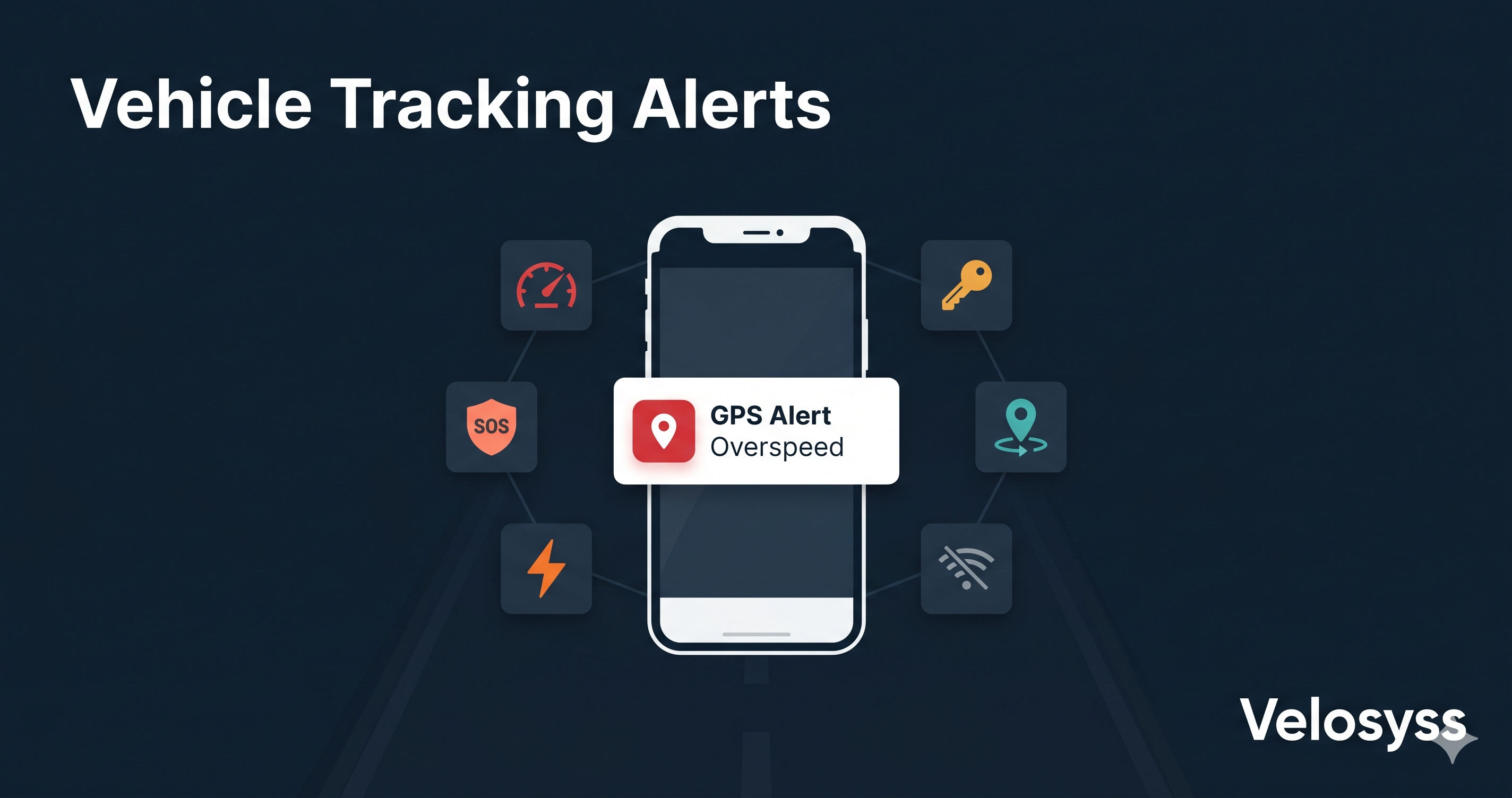
Complete Guide to Vehicle Tracking Alerts Overspeed, Ignition, SOS, and More
By Velosyss Team · 11 May 2026
Most GPS tracker buyers focus on the map. They open the app, see their vehicle as a dot on the road, and feel reassured. That is a good start — but the map is not where a GPS tracker earns its value day to day.
Alerts are.
A vehicle tracking alert is an automatic notification that fires the moment something happens on the road that you should know about. Your driver went over 80 km/h. Your truck left the depot at 11 PM. Your school bus crossed the school gate. Someone pressed the panic button.
You do not have to be watching the map. The platform watches for you and tells you instantly.
This guide covers every alert type available in Velosyss, what triggers each one, how alerts are delivered, and which use cases they solve.
What Is a Vehicle Tracking Alert?
A vehicle tracking alert is a rule-based notification. You (or the platform by default) define a condition. When a GPS event from your vehicle matches that condition, an alert fires and reaches you through push notification, email, or your in-app inbox — within seconds.
Alerts convert passive tracking into active visibility. Instead of checking a map every 10 minutes, you set rules and act only when something needs your attention.
Alert Types in Velosyss
1. Overspeed Alert
What it is: An alert that fires when your vehicle's GPS-measured speed exceeds a threshold you set.
How it works: Every GPS packet sent by your device includes the current speed in km/h. The platform compares this against your configured overspeed threshold. If the vehicle exceeds that speed, a notification fires.
Who uses it:
- Fleet managers who need driver accountability on highways
- Delivery companies managing insurance liability
- Parents tracking their car driven by a teenager
- School transport operators monitoring bus drivers
What the alert includes: Vehicle name, speed at the time of the alert, timestamp, and GPS coordinates.
Practical tip: Set your threshold 5–10 km/h above the intended limit to avoid noise from brief highway surges. For school buses, most operators set 60 km/h.
2. Ignition On / Ignition Off Alert
What it is: An alert that fires every time the vehicle's engine is started or turned off.
How it works: Velosyss GPS devices monitor the ignition line (or ACC power) and report status changes in real time. The platform maps these changes to Ignition On and Ignition Off events.
Why this matters:
- Know when your driver actually starts work in the morning
- Detect unauthorized vehicle use at night or over weekends
- Get evidence of when a delivery van left for a route
- Monitor vehicles that should not be running outside business hours
Most common use case: A business owner with a company vehicle gets an Ignition On alert at 7:02 AM — the driver has started the day. At 9:45 PM, another Ignition On alert arrives. That one needs a conversation.
3. Geofence Entry and Exit Alerts
What it is: An alert that fires when a vehicle enters or exits a virtual boundary you draw on the map.
How it works: You draw a circle or polygon on the Velosyss map and name it — "Warehouse Gate," "Client Site A," "School Pickup Zone." Every time a tracked vehicle crosses that boundary in either direction, you receive an alert with the vehicle name, the geofence name, the direction (entered/exited), and the timestamp.
Use cases:
- Delivery operations: Know the moment your driver reaches a customer site — without calling them
- School transport: Parents and coordinators get alerted when the school bus enters the school zone
- Security: Set a geofence around your depot — any exit after 8 PM triggers an alert
- Fleet compliance: Ensure vehicles stay within an authorized operating city or region
Velosyss supports both circle and polygon geofences with unlimited zones per account.
4. Device Offline Alert
What it is: An alert that fires when a tracked device stops sending GPS updates for more than one hour.
Why you need it: A tracker that goes silent is not the same as a parked vehicle. Silence can mean the device lost mobile signal, the vehicle moved into a dead zone, or — more seriously — someone has tampered with the device or the vehicle's power.
When it fires: If a device's last contact is more than 60 minutes old, the platform marks it offline and sends an alert to the account holder.
Who uses it:
- Fleet supervisors who need to know if a vehicle drops off the grid mid-route
- Asset managers for high-value vehicles or equipment
- Anyone who relies on continuous visibility and cannot afford a coverage gap
5. Low Battery / Power Cut Alert
What it is: Two related alerts that report hardware power events.
Low Battery: The GPS device reports that the vehicle's battery voltage has dropped below a safe threshold. This can indicate a failing battery or a vehicle that has been left stationary too long.
Power Cut: This is a tamper-detection alert. If someone physically disconnects the GPS device from the vehicle's power supply — cutting the power wire — the device fires a Power Cut alarm before switching to its internal backup battery. The platform receives this and sends an immediate alert.
Why Power Cut matters: A thief who wants to steal a tracked vehicle may try to disable the tracker first. A Power Cut alert at 2 AM, from a vehicle that should be parked at your depot, is a serious warning signal.
6. SOS / Panic Button Alert
What it is: A manual alert triggered by the driver pressing the physical SOS button on the GPS device.
How it works: Velosyss GPS hardware includes a panic button. When the driver presses it, the device immediately sends an SOS packet to the platform with the current GPS coordinates. The platform creates an SOS event and sends an urgent push notification and email to the account holder.
Use cases:
- Driver feels unsafe or is in a dangerous situation
- Accident or medical emergency on the road
- School bus driver needs to signal an emergency without making a call
- Night-delivery drivers working alone
Response expectation: SOS alerts are flagged as highest priority in the notification inbox. Unlike informational alerts, an SOS should always be responded to immediately.
How Alerts Are Delivered
Velosyss delivers every alert through three channels simultaneously, so you never miss a critical event regardless of what you are doing:
| Channel | Where | Speed |
|---|---|---|
| Push Notification | Velosyss mobile app (Android + iOS) | Within seconds |
| Your registered email address | Within seconds | |
| In-App Inbox | Web portal and mobile app notification inbox | Immediately on login |
You can control which alerts you receive for each channel and how often — immediate delivery, daily digest, or weekly summary.
Which Alerts Matter Most for Your Use Case?
| If you are… | Prioritise these alerts |
|---|---|
| A small fleet owner | Ignition On/Off, Overspeed, Device Offline |
| A delivery business | Geofence Entry/Exit, Ignition On, Overspeed |
| A school transport coordinator | Geofence Entry/Exit, Overspeed, SOS |
| An individual car owner | Ignition On (unauthorized use), Power Cut (theft attempt), SOS |
| A parent | Ignition On, Geofence Entry/Exit, SOS |
Setting Up Alerts in Velosyss
- Log in to your Velosyss account on the web portal or mobile app
- Go to Alert Preferences in your account settings
- Enable the alert types relevant to your use case
- For overspeed, set your speed threshold in km/h
- For geofence alerts, create your zones first on the map, then enable entry/exit notifications
That is all. Once set, the platform monitors your vehicles automatically — 24 hours a day, 7 days a week.
Summary
A GPS tracker without alerts is a passive tool. You check it when you remember. Alerts transform it into an active early-warning system that works even when you are not looking.
Velosyss monitors every vehicle on your account continuously and delivers the right alert to the right person the moment a threshold is crossed — on your phone, in your email, and in your dashboard.
If you are evaluating a GPS tracking platform, ask one question: How quickly does it tell me when something goes wrong?
[Book a Velosyss demo → Contact Us] or [Compare alert features by plan → Pricing]